
Download
Download from VIPStreams.pk. Mirror hosts below use their own wait pages.
Installation & Setup
Follow these steps after downloading from the links above.
- Download the installer from your chosen host on this page.
- Extract the archive if the download is a .zip/.rar file.
- Run setup.exe or the main installer as administrator.
- Follow the on-screen prompts to complete installation.
- Launch the program from the Start menu or desktop shortcut after installation.
Join Our Discord Community
Get support, updates, and connect with the community!
📖 About This Software
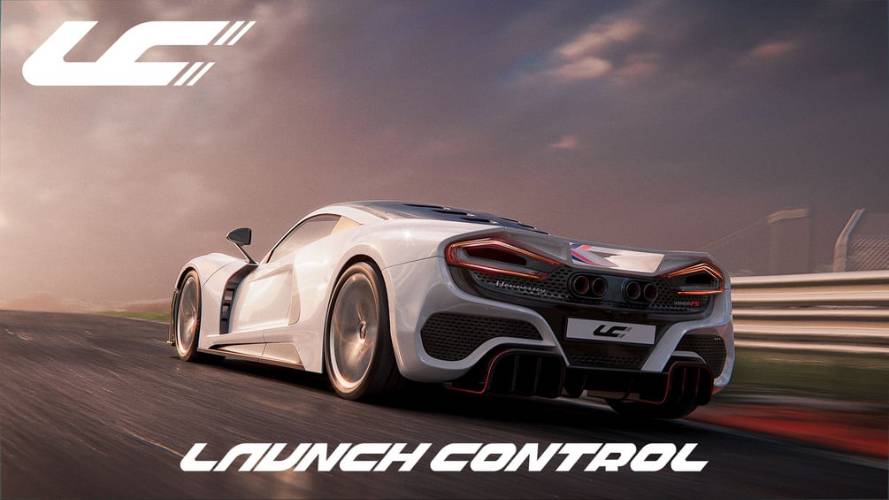
If you’ve ever tried to animate a car in Blender manually, you know the pain — countless empties, constraints, wheel rotations, suspension hacks, and a mess of keyframes. Launch Control kills that headache. It’s a dedicated car rigging and animation tool that turns a static 3D model into a fully functional, physics-aware vehicle in minutes.
✨ Key Features
Select Vehicle – Choose a local model or linked asset.
Rigging – Automatic or manual part tagging.
Animation – Apply presets or create a custom driving path.
Physics – Adjust suspension, body roll, speed, and more in real time.
Indie – Core rigging, animation presets, physics simulation. Suitable for most freelancers and hobbyists.
Pro – Adds advanced CAD support, linked assets, animation libraries, and DCC bridging for bigger pipelines.
Studio – All features unlocked, for large production teams.
Massive Time Saver – Turns days of manual rigging into minutes.
Realistic Output – Steering, suspension, and ground contact look believable without manual tweaking.
Flexible – Works for cinematic shots, ads, and game assets.
Beginner-Friendly – Minimal setup, no complex rig knowledge required.
🖼️ Screenshots
Comments
Please sign in to comment and earn PirateCoins!