
Download
Download from VIPStreams.pk. Mirror hosts below use their own wait pages.
Installation & Setup
Follow these steps after downloading from the links above.
- Download the installer from your chosen host on this page.
- Mount the ISO file (right-click → Mount on Windows 10/11) or extract the archive with WinRAR/7-Zip.
- Run autoplay.exe or Set-up.exe from the mounted drive as administrator.
- Sign in with Adobe ID when prompted, or use the included patch/crack steps if provided on the download page.
- Launch the program from the Start menu or desktop shortcut after installation.
Join Our Discord Community
Get support, updates, and connect with the community!
📖 About This Software
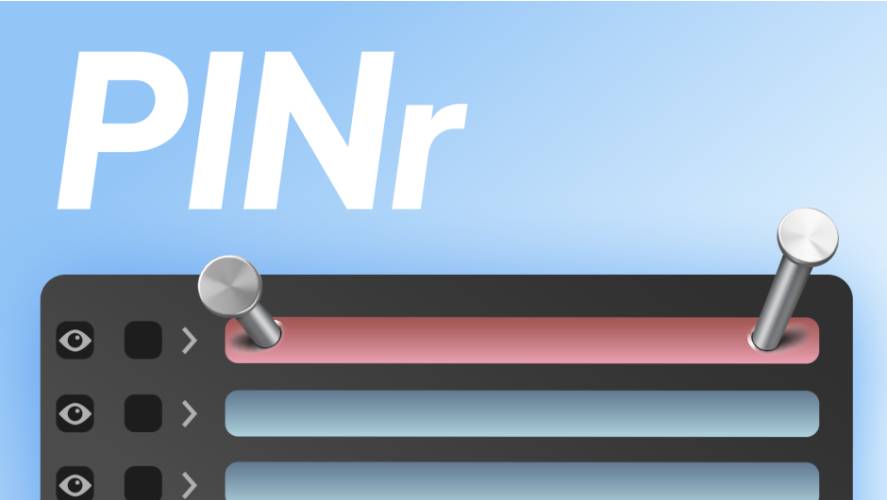
AEScripts PINr v1.1 is a layer management panel for Adobe After Effects developed by Mehdi Fazzat. It helps motion designers and compositors keep important layers permanently positioned at the top or bottom of their composition’s layer stack, even when new layers are added, pasted, duplicated or imported.
In large After Effects projects, maintaining the correct layer order can become increasingly difficult. Adjustment layers, background elements, logos and other important components can accidentally move away from their intended positions as the composition evolves.
PINr addresses this problem by allowing users to pin selected layers to specific positions in the layer stack. Once pinned, the layers automatically maintain their designated positions while the user continues working.
✨ Key Features
🖼️ Screenshots
Comments
Please sign in to comment and earn PirateCoins!